
Introduction
In our fast-paced professional and academic lives, information comes at us from all directions. We attend meetings, listen to lectures, participate in interviews, and have countless conversations where important details are shared. Trying to capture all this information accurately while staying engaged can be an impossible task. Traditional note-taking is slow, often incomplete, and makes it hard to remember who said what. This challenge is magnified in today’s hybrid work environment, where virtual meetings are the norm. This is where Otter.ai steps in as a game-changing solution.
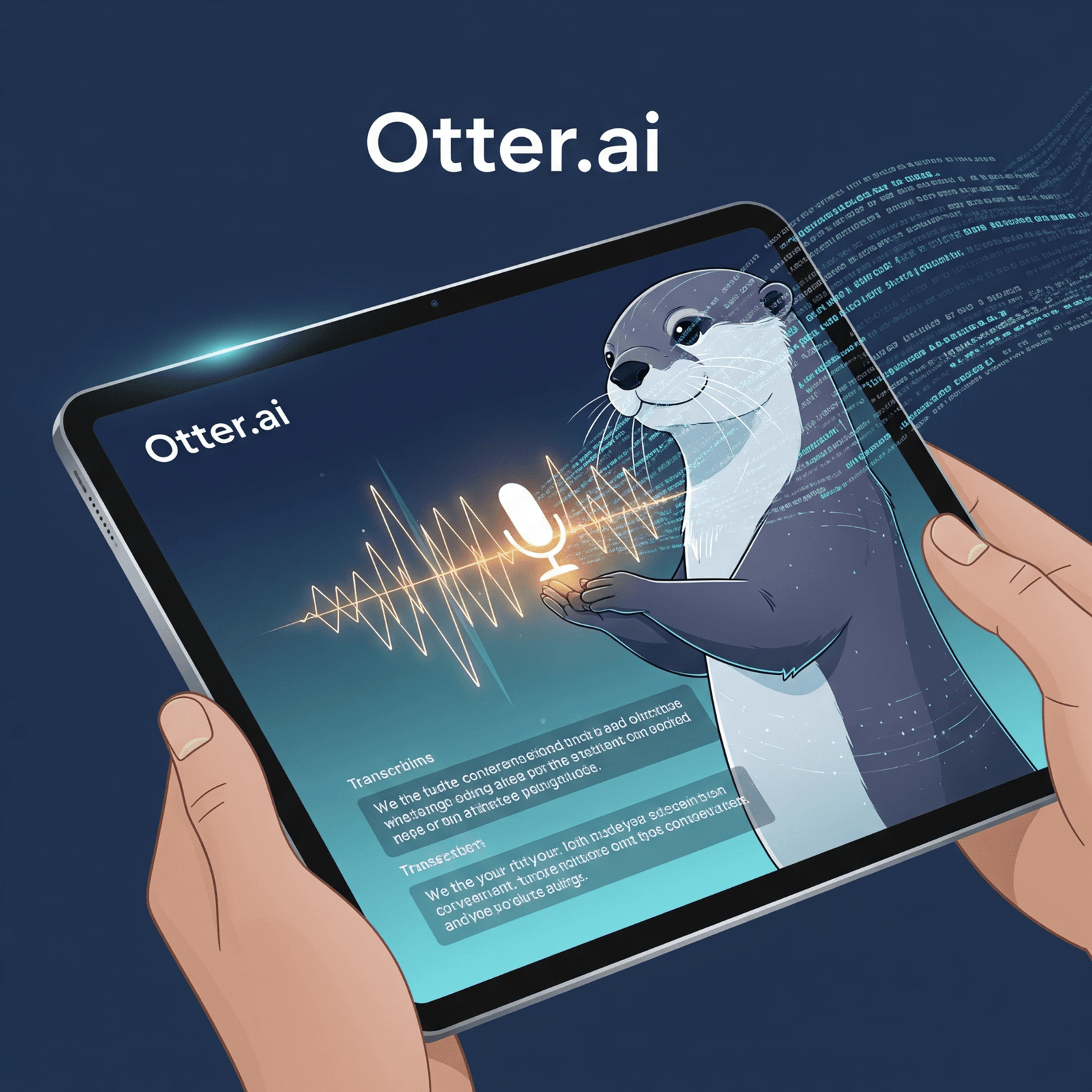
Otter.ai is an advanced artificial intelligence assistant designed to automatically record, transcribe, and summarize your spoken conversations. Whether it’s a live meeting, a recorded lecture, or even your own voice notes, Otter.ai turns spoken words into searchable text, making sure you never miss a beat. It allows you to focus on the conversation, confident that every important detail is being captured. This comprehensive guide will explore everything you need to know about Otter.ai, from its core features and benefits to a step-by-step guide on how to integrate it into your daily workflow. We will show you how this smart tool is revolutionizing productivity for individuals and teams worldwide.
1. What is Otter.ai? Your Personal AI Notetaker
At its heart, Otter.ai is an AI-powered service that specializes in transcription and summarization of spoken language. It acts as your personal assistant for any audio conversation.
The Science Behind the Service: Voice AI
Otter.ai uses sophisticated speech-to-text AI models to convert spoken words into written text.
- Deep Learning Algorithms: It relies on advanced deep learning algorithms that have been trained on vast amounts of audio data. This training allows the AI to accurately recognize different voices, understand various accents, and differentiate between speakers.
- Contextual Understanding: Beyond simple word recognition, Otter.ai’s AI attempts to understand the context of the conversation. This helps in punctuating sentences correctly and identifying key themes.
- Speaker Diarization: A crucial feature is its ability to identify and separate different speakers in a conversation. It labels who said what, which is incredibly useful for meeting notes.
Key Features that Make Otter.ai Stand Out
- Real-time Transcription: Otter.ai transcribes conversations as they happen, allowing you to see the text appear on your screen live.
- AI-Generated Summaries: After a meeting or lecture, Otter.ai automatically generates a concise summary, highlighting action items, key decisions, and important discussion points.
- Smart Speaker Identification: It can accurately identify different speakers, making it easy to follow who said what throughout the transcript.
- Searchable Transcripts: You can search the entire transcript for specific keywords, phrases, or even action items, helping you quickly find any information you need.
- Highlights and Comments: You can easily highlight important parts of the transcript and add your own comments or annotations directly to the text.
- Custom Vocabulary: For specialized industries, you can teach Otter.ai specific terms, names, or jargon to improve its accuracy.
2. Why Otter.ai is an Essential Tool for Modern Productivity
Otter.ai offers significant benefits that enhance productivity and collaboration across various professional and academic settings.
Enhanced Focus and Engagement
- Be Present: The biggest advantage is being able to fully participate in a meeting or lecture without the distraction of taking notes. You can listen actively, contribute more effectively, and absorb information better.
- Never Miss a Detail: With a full, searchable transcript, you are guaranteed not to miss any critical information, action item, or decision made during a conversation.
Versatile Use Cases
- Meetings (Virtual & In-Person): Otter.ai seamlessly integrates with popular video conferencing tools like Zoom, Google Meet, and Microsoft Teams. It can also transcribe in-person discussions using your device’s microphone.
- Lectures & Classes: Students can record lectures and get accurate notes, making revision much easier.
- Interviews: Journalists, researchers, and recruiters can record interviews and have instant, searchable transcripts for analysis.
- Personal Voice Notes: You can record your own thoughts and ideas, and Otter.ai will turn them into organized, searchable text notes.
Streamlined Collaboration
- Easy Sharing: Transcripts and summaries can be easily shared with team members, even those who missed the meeting, ensuring everyone is on the same page.
- Actionable Insights: AI-generated summaries and identified action items help teams quickly grasp what needs to be done and by whom, improving project management.
- Faster Follow-ups: Instead of relying on memory, teams can refer to exact quotes and decisions from the transcript, leading to more efficient follow-up actions.
3. Getting Started with Otter.ai: A Step-by-Step Guide
Setting up and using Otter.ai is very straightforward.
Step 1: Sign Up
- Visit the Otter.ai website (otter.ai) and sign up using your Google or Microsoft account.
- This will link your calendar, allowing Otter to see your upcoming meetings.
Step 2: Connect Your Conferencing Tools
- In your Otter.ai dashboard, navigate to the “Apps” or “Integrations” section.
- Connect your preferred video conferencing platforms like Zoom, Google Meet, or Microsoft Teams. This allows the Otter.ai assistant to join your virtual meetings.
Step 3: Transcribe Your Audio
You have several options to get Otter.ai to transcribe your audio:
- Live Join (Meetings): Enable Otter to automatically join your scheduled meetings with a web conference link. It will appear as a participant.
- Record Live (In-Person): Open the Otter.ai app on your phone or computer and hit “Record” for in-person conversations or voice notes.
- Import Audio/Video Files: Upload pre-recorded audio or video files (e.g., MP3, WAV, MP4) for transcription.
Step 4: Access and Manage Your Notes
- After the conversation ends (or even during it for live transcription), your notes will appear in your Otter.ai account.
- Here, you can:
- Read the full transcript.
- Listen to the audio synchronized with the text.
- View AI-generated summaries.
- Search for keywords.
- Highlight key points and add comments.
- Share the notes with others.
4. Security and Privacy with Otter.ai
Given that Otter.ai deals with potentially sensitive conversations, security and privacy are top priorities.
- Consent and Transparency: When Otter.ai joins a virtual meeting, it always announces its presence, ensuring all participants are aware that the conversation is being transcribed.
- Data Encryption: Otter.ai uses robust encryption protocols to protect your audio and transcript data both in transit and at rest.
- User Control: You have full ownership and control over your data. You can choose who to share your notes with, and you can delete them at any time.
- Compliance: Otter.ai adheres to various data privacy regulations, which is important for business users. Always review their privacy policy for the most up-to-date information.
This commitment to security helps build trust, especially for business and enterprise customers.
5. Frequently Asked Questions (FAQs)
Is Otter.ai free to use?
Otter.ai offers a generous free plan with a monthly limit on transcription minutes. For more minutes, advanced features, and team collaboration, paid subscription plans are available.
How accurate is Otter.ai’s transcription?
Otter.ai is highly accurate, often reaching 90-95%+ accuracy in clear audio conditions. Accuracy can vary based on factors like background noise, accents, multiple speakers, and audio quality.
Can Otter.ai identify different speakers?
Yes, it has strong speaker identification capabilities. It will label different speakers in the transcript, though you may need to manually assign names for the first few sentences.
Does Otter.ai support languages other than English?
Otter.ai primarily focuses on English transcription. While it can transcribe some other languages, its accuracy for non-English languages may not be as high. It’s always best to check their current language support.
Can I use Otter.ai for in-person meetings or just virtual ones?
You can use Otter.ai for both! For virtual meetings, it joins as a bot. For in-person meetings, you can use the Otter.ai app on your phone or computer to record the audio.
Conclusion
In conclusion, Otter.ai is a revolutionary AI assistant that has transformed the way we capture and manage spoken information. By providing accurate, real-time transcription and intelligent summaries, it effectively removes the burden of note-taking from meetings, lectures, and interviews. This allows individuals and teams to engage more deeply, collaborate more effectively, and ensure that no crucial detail is ever overlooked.
Otter.ai is more than just a transcription tool; it’s a powerful productivity enhancer. From helping students with their studies to empowering professionals in fast-paced corporate environments, it simplifies post-conversation workflows and makes information instantly searchable and shareable. In an age where every word matters, Otter.ai stands as an indispensable tool, helping us to work smarter, remember more, and connect with greater clarity.