
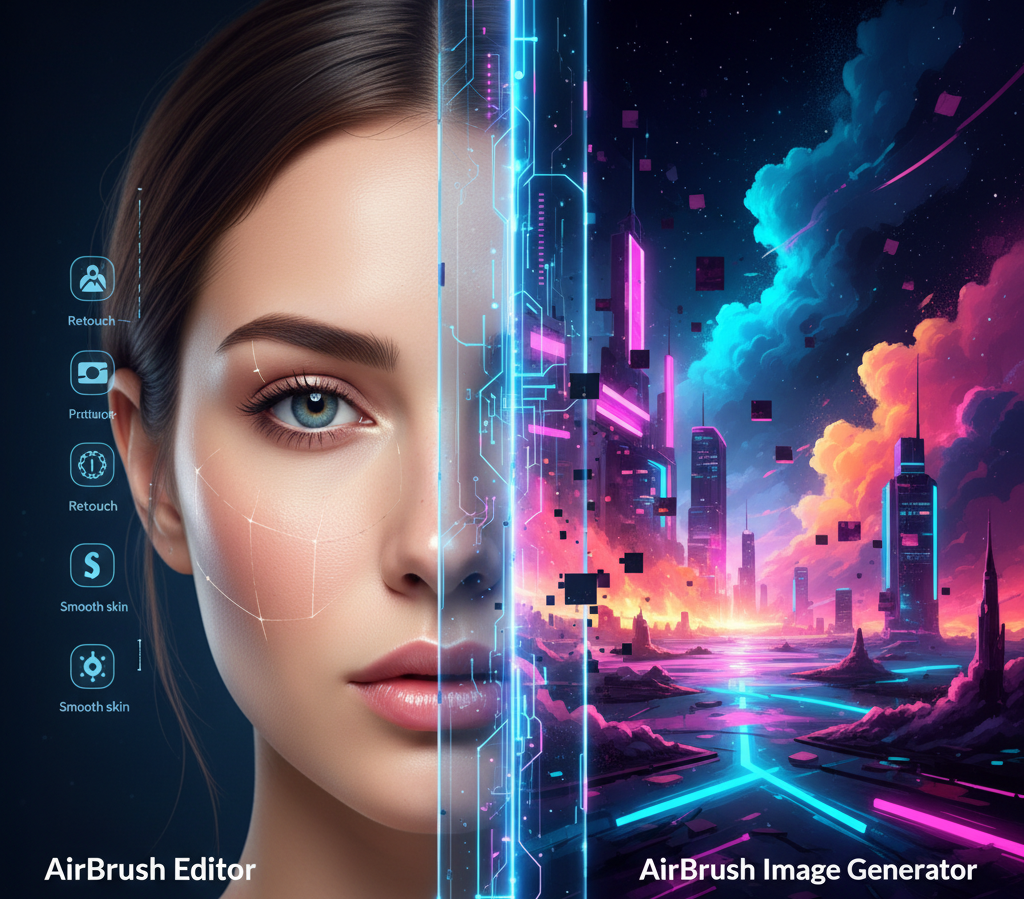
The term “AI photo editor” often conjures images of simple filter apps and gimmicky face swaps. However, a new class of tools is emerging, leveraging profound advancements in artificial intelligence to fundamentally change how professionals and creators work. At the forefront of this shift is Airbrush AI, a platform that is often misunderstood as merely a selfie-enhancement tool. A deeper, technical analysis reveals a sophisticated dual-platform strategy and a powerful AI core that positions it as a critical asset for anyone serious about digital imagery. This article delves beyond the one-click magic to explore the algorithms, workflows, and strategic advantages that make Airbrush AI a formidable player in the competitive landscape of creative software.
We will unpack its two powerful arms the award-winning portrait editor and the multi-engine image generator decipher the complex machine learning models that power its natural results, and demonstrate its practical application in high-volume professional environments. Furthermore, we will place Airbrush AI in the broader competitive field, comparing its strengths and specializations against industry titans like Adobe and Midjourney, and finally, project its future trajectory towards real-time processing and AI-driven workflow automation.
I. Airbrush AI’s Dual-Platform Strategy: Beyond the Single-App Myth
The most common misconception about Airbrush AI is that it is a single, monolithic application. In reality, its power stems from a deliberate and sophisticated dual-platform strategy. This approach allows the brand to dominate two distinct yet crucial sectors of the AI creative market: discriminative image enhancement and generative image creation.
1. The Award-Winning AirBrush Editor: The Portrait Perfection Specialist
This platform, available as a robust mobile application and web app, is an expert in Discriminative AI. Its primary function is not to create from nothing, but to intelligently analyze an existing photograph and apply precise, targeted improvements. It has earned its award-winning status by mastering the subtle art of human portrait enhancement, built specifically for:
- Flawless and Natural Portrait Retouching: The editor’s hallmark is its ability to deliver professional-grade skin smoothing, blemish removal, and subtle facial contouring without yielding the unnatural, “plastic” look that plagues simpler applications. The AI understands the difference between a permanent skin imperfection and a desirable feature like a freckle or beauty mark.
- Advanced Video Enhancement: Recognizing the dominance of video content, Airbrush has aggressively moved into dynamic media. Its AI can now apply the same sophisticated retouching, background replacement, and lighting correction techniques to video footage, a feature once exclusive to high-end desktop software.
2. The Airbrush AI Image Generator: The Creative Catalyst
Separate from the editor, the web-based Airbrush AI Image Generator operates in the realm of Generative AI. This tool creates entirely new visual assets from text descriptions, directly competing with platforms like Midjourney and DALL-E. Its key differentiator is flexibility:
- Multi-Engine Generation Powerhouse: Unlike many competitors locked into a single AI model, Airbrush offers users a choice of underlying AI engines. This often includes optimized versions of Stable Diffusion and DALL-E 2. A creator can select Stable Diffusion for hyper-realistic product mockups and then switch to a DALL-E-based model for a more illustrative, artistic style. This choice dramatically improves the success rate of initial image generation.
- On-Demand Stock Photo Replacement: For marketers, bloggers, and small businesses, this tool serves as a rapid visual creation engine. It effectively eliminates the need for expensive traditional stock photo subscriptions and time-consuming photoshoots, allowing for the creation of perfectly tailored imagery in seconds.
II. Decoding the Technical Core: The AI Architecture Behind the Magic
The true value of Airbrush AI is not its clean interface, but the proprietary and highly optimized Machine Learning (ML) models working behind the scenes. Let’s dissect the technical anatomy of its most impressive features.
1. The Science of Natural Portrait Retouching: Beyond Gaussian Blur
The secret to Airbrush’s “natural” look lies in its meticulous use of Computer Vision (CV) and Inpainting techniques, far surpassing the capabilities of a simple blur filter.
- Advanced Facial Landmark Detection: The AI begins by performing hyper-detailed facial mapping. It doesn’t just identify a face; it plots well over 68 distinct facial points (landmarks), precisely locating the inner and outer corners of the eyes, the contour of the lips, the nose bridge, and the jawline. This precise mapping is foundational for all subsequent adjustments, ensuring tools like “Eye Brighten” or “Jawline Slim” work with anatomical accuracy.
- Semantic Segmentation for Surgical Precision: After detection, the AI performs semantic segmentation, breaking the image into logical layers: Skin, Hair, Eyes, Teeth, Lips, and Background. When you use the “Blemish Remover,” it operates exclusively on the “Skin” layer. The tool uses a sophisticated inpainting algorithm that analyzes the texture, lighting, and color of the clean skin surrounding a pimple or spot. It then synthesizes new pixels that perfectly match the healthy skin, including realistic pores and subtle variations in tone, thereby avoiding the homogenous, “uncanny valley” effect.
2. High-Resolution Output: The Super-Resolution Pipeline
Professional use demands high-resolution assets. Airbrush AI supports outputs up to 8000px, a necessity for large-scale printing and high-definition marketing materials. Achieving this from a lower-resolution input requires a powerful Super-Resolution (SR) pipeline.
- SRGANs and Intelligent Detail Synthesis: Airbrush likely employs a variant of Super-Resolution Generative Adversarial Networks (SRGANs). Unlike traditional upscaling that merely stretches pixels (leading to blurriness), SRGANs synthesize new, realistic detail. For example, when enlarging a low-resolution photo of a person, the network intelligently predicts and renders individual strands of hair, the weave of a fabric, or the fine lines around the eyes, resulting in a sharp, high-fidelity image that appears naturally detailed.
3. Generative AI Engine Flexibility and Reverse Prompting
The Airbrush Image Generator’s multi-engine approach is a significant usability advantage. By offering access to models like Stable Diffusion XL Pro, it empowers users to match the tool to the task.
- Model Specialization for Better Results: A user can select a model fine-tuned for photorealism for product concept art and another model optimized for anime-style illustrations for a game asset. This tailored approach bypasses the frustrating process of “prompt engineering” needed to force a single, general-purpose model into a specific style.
- Image-to-Text Conversion (Reverse Prompting): A powerful, often overlooked feature is the ability to analyze an uploaded image and generate an accurate text prompt describing it. This acts as an educational tool, helping users understand how to communicate their vision effectively to the AI, thereby refining their creative process and improving future results.
III. Advanced Professional Workflows: Airbrush AI in the Real World
Airbrush AI’s true power is realized when integrated into professional workflows, automating tasks that would otherwise consume hours in traditional software like Adobe Photoshop.
1. The AI-Powered E-Commerce and Branding Studio
Small and medium-sized businesses can leverage Airbrush to create a polished, unified brand identity with minimal resources.
- Automated Product Isolation: E-commerce vendors can upload hundreds of product photos and use the batch-processing capability of the AI Background Remover to generate images with transparent backgrounds instantly. This automation bypasses the tedious and skilled task of manual masking in Photoshop.
- Ensuring Visual Consistency: The Batch Editing Functionality allows for applying the same set of filters, color corrections, and enhancements across an entire product catalog or social media feed. This ensures a cohesive and professional brand aesthetic, which is vital for building consumer trust and recognition.
2. Outpainting for Cross-Media Advertising Assets
The AI Image Extender (Outpainting) is a game-changer for marketing teams who need to adapt a single visual asset for multiple platforms.
- Dynamic Asset Resizing: Imagine a company has a perfect tall-format portrait for Instagram Stories. They need the same key visual for a wide website banner. Instead of cropping and losing crucial elements, they can use the AI Extender to seamlessly generate realistic background content to the left and right of the subject. This creates a brand-consistent wide-format asset without a costly reshoot, preserving composition and quality across all channels.
3. The Virtual Headshot Transformation: Disrupting Corporate Photography
The Airbrush AI Headshot service represents a significant cost and time savings for corporations of all sizes.
- Efficiency and Scalability: Instead of organizing expensive, logistically challenging office photoshoots, a company can simply ask employees to upload a few selfies. The specialized AI then works its magic by:
- Standardizing lighting and shadows across all images.
- Replacing disparate backgrounds with a uniform corporate backdrop.
- Applying subtle, professional retouching and virtual attire adjustments.
- Preserving Identity: Crucially, the algorithm is designed to retain the individual’s core facial features while enhancing the overall professional appearance, avoiding the generic or “face-swapped” look that undermines authenticity.
IV. Competitive Landscape: How Airbrush AI Carves Its Niche
While Airbrush AI does not aim to replace the granular control of Adobe Photoshop, its strategy of specialization and speed gives it a decisive edge in specific markets. The following table illustrates its strategic positioning:
| Metric | Airbrush AI’s Edge | vs. Adobe (Photoshop/Lightroom) | vs. Midjourney/DALL-E 3 |
|---|---|---|---|
| Primary Goal | Velocity & Accessibility: Rapid, optimized, one-click solutions. | Maximum Control & Precision: Requires significant skill and time. | Conceptual Art & Fidelity: Focus on artistic exploration from prompts. |
| Key Differentiator | Portrait Perfection: Superior, natural-looking human retouching. | Deep Layering/Masking: Unmatched control over individual pixels. | Creative Breadth: Excels at abstract, complex, and cinematic concepts. |
| Model Choice | Flexible Multi-Engine: Choice of models (Stable Diffusion, DALL-E) for different tasks. | Proprietary Integration: Tied to Adobe’s Firefly (Sensei) models. | Proprietary Single Model: Excellent, but less flexibility in model type. |
| Commercial Rights | Generally offers full commercial usage rights, simplifying licensing for businesses. | Clear but tied to subscription plans. | Can be complex, often requiring paid tiers and specific terms. |
The Airbrush Niche: Airbrush dominates the intersection where professional quality meets instantaneous delivery. For social media influencers, event photographers needing quick batch edits, and SMEs requiring immediate marketing assets, Airbrush’s blend of AI-driven speed and specialized portrait algorithms is a workflow accelerant that bulkier, desktop-first applications cannot match.
V. The Future Trajectory: The Airbrush AI Roadmap
Based on current AI trends and Airbrush’s existing feature set, its future development is poised to focus on three transformative areas:
1. The Shift to Real-Time AI Processing
The ultimate goal is to move AI from a post-production tool to an integral part of the capture process.
- Live Retouching and Object Removal: The next logical step is the integration of Airbrush’s models into live video feeds. This would enable users to live-stream or record video where the AI simultaneously smooths skin, removes distracting background objects, or applies consistent style filters in real-time. This requires the development of highly optimized, low-latency AI models that can process frames instantaneously.
2. AI Agents for Automated Workflow Orchestration
The evolution will shift from standalone tools to AI Agents capable of managing complex, multi-step tasks autonomously.
- Automated Content Preparation: Instead of manually performing batch edits, outpainting, and watermarking, a user could instruct an Airbrush AI Agent with a command like: “Take these 50 product photos, enhance them, create square versions for Instagram, 16:9 versions for YouTube thumbnails, and apply the ‘Vibrant Summer’ filter to all.” The Agent would then execute this entire workflow without human intervention, leading to exponential gains in productivity.
3. Deep Video Generation and Temporal Consistency
The platform’s initial foray into video enhancement will inevitably lead to full Generative Video capabilities.
- Consistent Character and Style: A major hurdle in current AI video is maintaining consistency. Airbrush will likely focus on models that can generate short video clips where a subject’s appearance, clothing, and environment remain perfectly consistent from frame to frame. This capability is essential for creators looking to produce high-quality, stylized video content without expensive production sets and crews.
Conclusion
Airbrush AI has successfully transcended its perception as a simple photo-editing app. Through a shrewd dual-platform strategy, a deep commitment to advanced AI research in computer vision and generative models, and a sharp focus on real-world professional workflows, it has cemented its position as a high-velocity tool in the digital creation ecosystem. It may not replace every function of a high-end suite like Photoshop, but for the growing number of professionals and creators who prioritize speed, specialization, and accessibility, Airbrush AI offers a compelling and technically sophisticated revolution in image creation. As it continues to evolve towards real-time processing and intelligent automation, its role in the professional toolkit is only set to expand.