

Writing copy that captures attention and inspires action has never been easy. Whether you’re crafting a product description, a Facebook ad, or a blog headline, it takes time, creativity, and a lot of testing to get it right. But what if you could combine years of marketing data, AI-powered language models, and proven conversion insights all in one platform?
Anyword makes this possible. This AI copywriting tool is designed to help marketers, businesses, and creators generate high-performing copy faster and with more confidence. In this guide, you’ll learn what Anyword is, how it works, what sets it apart, and how you can use it to grow your brand.
What Is Anyword?
Anyword is an AI copywriting platform that goes beyond simply generating text. Unlike generic writing tools, Anyword uses a unique feature called predictive performance scoring to show how well your copy is likely to perform before you publish it.
This makes it a powerful solution for marketers who want to write ads, emails, landing pages, and product descriptions that actually convert.
In simple terms, Anyword helps you:
- Write faster and more efficiently.
- Test more ideas without extra effort.
- Predict which variations will get the best results.
- Optimize messaging across all your marketing channels.
Why Anyword Is Different from Other AI Tools

Most AI writing tools can generate text. But few can tell you which version is most likely to succeed.
That’s what makes Anyword special. It uses proprietary data models trained on billions of marketing messages to assign a predictive performance score to each piece of copy. This score estimates how effective your message will be based on historical data. In other words, you’re not just creating text you’re creating data-backed copy designed to get real-world results.
How Anyword Works Step by Step
Let’s walk through a typical workflow inside Anyword:
1. Select a Project Type
Start by choosing what you want to create. Anyword offers dozens of templates for:
- Facebook and Google ads
- Landing pages
- Blog headlines
- Email subject lines
- Product descriptions
- Social media posts
2. Enter Context
Provide a few details about your business, audience, and product. This helps Anyword understand your brand and goals.
3. Generate Copy
Click Generate to create multiple variations. You can also choose different tones—friendly, professional, bold, or conversational.
4. Review Performance Scores
Each version comes with a predictive performance score showing its potential effectiveness. You can compare and select the one you prefer, which takes the guesswork out of content creation.
5. Edit and Refine
Make adjustments to fine-tune your messaging. You can even A/B test the copy to see real-world results.
6. Publish or Export
Finally, you can download your copy or paste it directly into your campaigns. This entire process can save you hours of brainstorming, drafting, and guessing.
Key Features of Anyword
- Predictive Performance Score: See how well each copy variation is expected to perform before you hit publish.
- Multiple Templates: Choose from dozens of formats, including ads, emails, headlines, and website copy.
- Custom Mode: Train Anyword on your brand voice and high-performing examples to create more personalized content.
- Continuous Optimization: Use A/B testing data to refine your messaging over time.
- Tone Adjustments: Create variations in different styles to see what resonates best with your audience.
- Language Support: Write copy in multiple languages to reach international audiences.
Who Should Use Anyword?

Anyword is ideal for anyone involved in digital marketing who needs to create high-performing copy, including:
- E-commerce Businesses: Generate product descriptions and ads quickly that are designed to convert.
- Agencies: Manage multiple clients with consistent quality and performance.
- Freelancers: Deliver data-backed copy that stands out from the competition.
- Content Marketers: Write headlines, emails, and landing pages faster.
- Startups: Scale content production without hiring large teams.
Benefits of Using Anyword
- Save Time: Instead of spending hours crafting variations, Anyword generates them in seconds.
- Improve Conversion Rates: The predictive scoring feature helps you choose the copy most likely to convert.
- Increase Productivity: Test more ideas and create more content without extra effort.
- Stay Consistent: Maintain your brand’s voice and messaging across all your channels.
- Easy to Learn: Even if you’re new to AI, the platform is user-friendly and guided.
Limitations to Consider
While Anyword is powerful, it’s important to know a few limitations:
- Editing Still Needed: Even the best AI-generated copy should be reviewed and edited by a human to ensure it fits your brand’s voice perfectly.
- Credits and Limits: Plans include monthly usage limits, so you need to manage your projects accordingly.
- Learning Curve: Advanced features like Custom Mode may take time to master.
- Dependence on Data: Predictions are based on past data, which isn’t always perfect, so A/B testing is still a valuable practice.
How Anyword Helps with SEO and Conversion
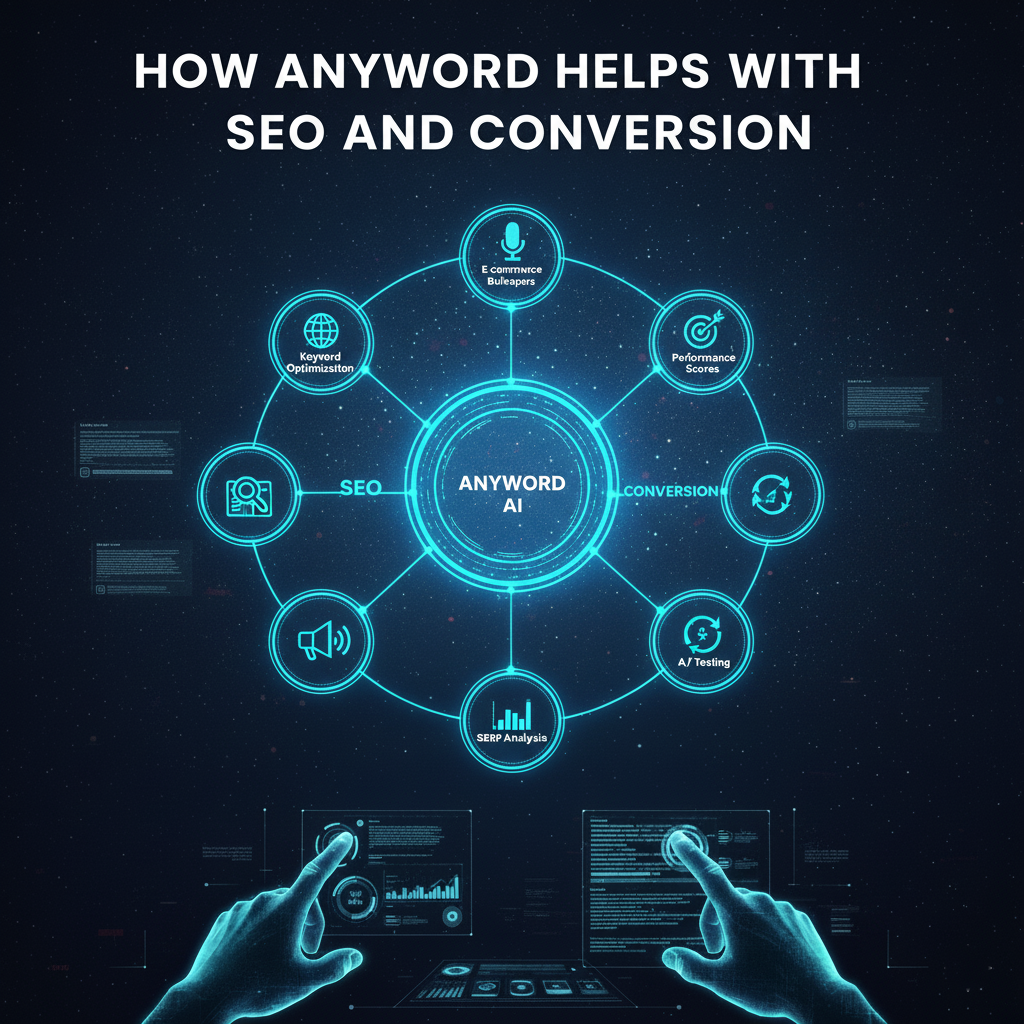
Anyword is built to improve not just your content but also your marketing results:
- Headline Optimization: Create catchy titles that attract clicks from search engines and social media.
- Keyword Integration: Ensure your messages include relevant phrases naturally.
- A/B Testing Support: Test different messages to see what works in the real world.
- Consistent Voice: Maintain a uniform brand tone across all campaigns.
- Better Engagement: Higher-performing copy can lead to more traffic, conversions, and sales.
Anyword Pricing Overview
Anyword offers several pricing plans to fit different needs:
- Starter Plan: Ideal for freelancers and small businesses.
- Business Plan: Designed for teams and growing companies.
- Enterprise Solutions: Custom options for large organizations.
Each plan includes predictive scoring, templates, and brand voice customization. You can also try Anyword free before committing. Visit anyword.com for the latest pricing.
Anyword vs. Other AI Tools
Here’s how Anyword compares to other platforms:
- Jasper AI: Excellent for creative content but no predictive scoring.
- Copy.ai: Great for short-form copy, but less focus on performance data.
- Writesonic: Strong templates but doesn’t predict conversion potential.
Why Choose Anyword? If you want AI copy that’s backed by data and designed to perform, Anyword is a smart choice.
Tips for Using Anyword Effectively
- Always review drafts before publishing to add your unique touch.
- Use Custom Mode to train the AI on your brand style.
- Compare performance scores to pick the best version.
- A/B test variations for real-world insights.
- Keep refining your copy based on data.
Frequently Asked Questions
- Q: Is Anyword beginner-friendly?
- A: Yes, the interface is simple and guided.
- Q: Does Anyword support different languages?
- A: Absolutely.
- Q: Can it replace human writers?
- A: It helps speed up production but still needs human review and strategy.
- Q: Is there a free trial?
- A: Yes, you can test it before subscribing.
Final Thoughts
Anyword is a unique AI copywriting tool that doesn’t just generate text it predicts which copy is most likely to succeed. Whether you’re a solo creator or part of a marketing team, it can help you save time, improve conversions, and scale your content efforts.