
Introduction
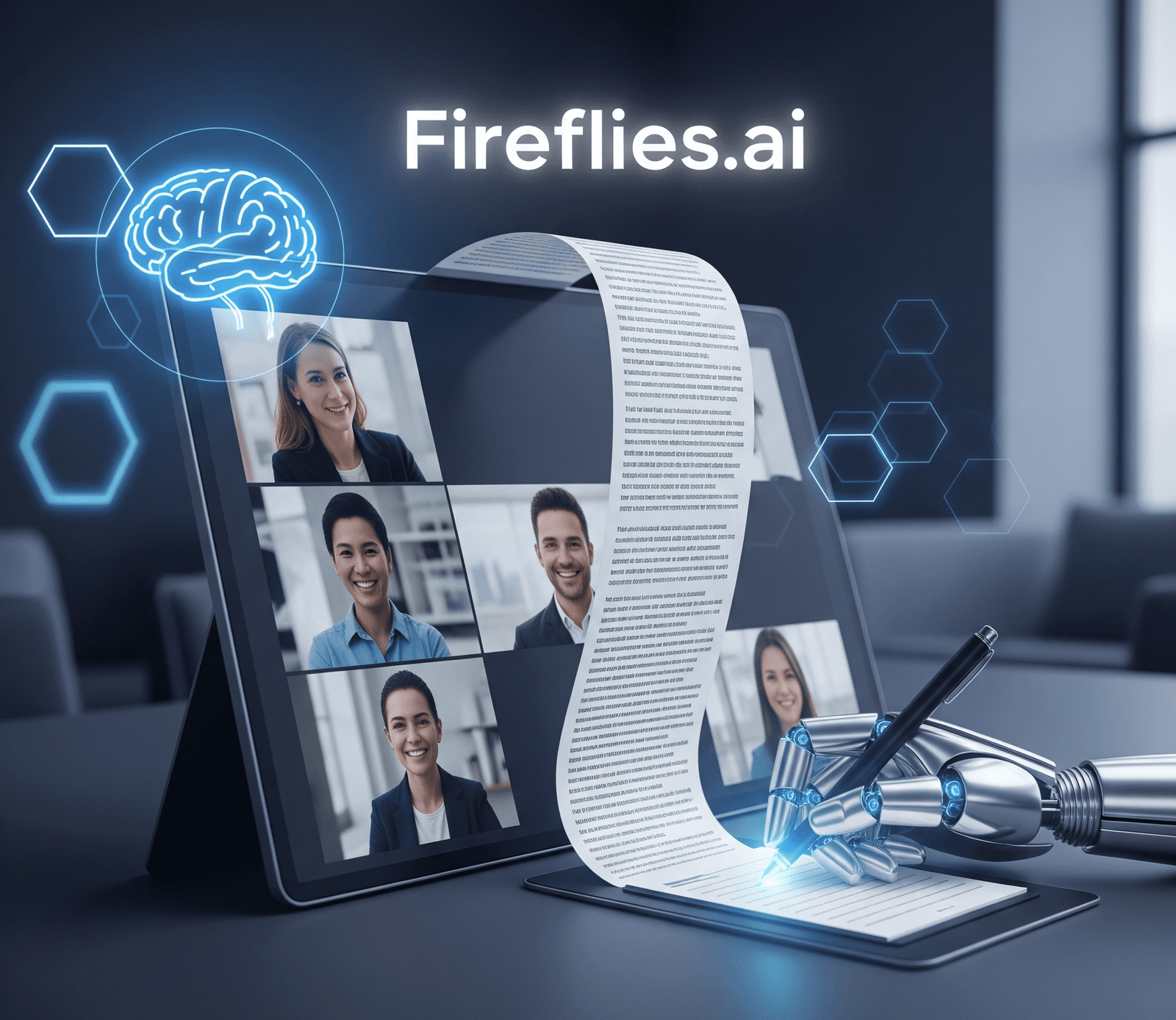
In the modern workplace, meetings are a crucial part of our daily routine. Whether it’s a quick team sync, a client pitch, or a strategy session, they are where important decisions are made and ideas are shared. However, keeping track of everything discussed can be a challenge. It’s difficult to actively participate in a conversation while also taking detailed notes. Important points can be missed, action items can be forgotten, and trying to remember key details from a long meeting can be a real struggle. This is where Fireflies.ai steps in as a revolutionary solution.
Fireflies.ai is an artificial intelligence assistant that joins your meetings to automatically record, transcribe, and summarize them. It is designed to be your a-I-powered notetaker, ensuring that you never miss a word. By handling the task of documentation, Fireflies.ai allows you to be fully present and engaged in the conversation. This comprehensive guide will explore everything you need to know about Fireflies.ai, from its core features and benefits to a step-by-step guide on how to use it. We will show you how this smart tool is transforming productivity for teams and individuals around the world.
1. What is Fireflies.ai? Your AI Meeting Assistant
At its heart, Fireflies.ai is an AI assistant that integrates with your calendar and video conferencing platforms to automatically join your meetings.
How It Works: The Core Functionality
Fireflies.ai’s workflow is simple and efficient:
- Joining the Meeting: After you connect your calendar, Fireflies.ai automatically joins your scheduled meetings. It appears as a “bot” or an additional participant, so everyone knows it’s there.
- Real-Time Transcription: As the meeting progresses, the AI listens and generates a live, word-for-word transcript.
- AI-Powered Analysis: After the meeting ends, Fireflies.ai processes the transcript to create a summary, extract key topics, and identify important action items and questions.
This entire process is automated, so you don’t have to do anything besides adding the assistant to your meeting.
Key Features that Make Fireflies.ai a Game-Changer
- Accurate Transcription: The AI provides a highly accurate, time-stamped transcript of the entire conversation. It can even identify different speakers, so you know exactly who said what.
- Smart Search: You can search the transcript for keywords, which is incredibly useful for finding a specific point from a long meeting. You can find out “who mentioned marketing budget” in seconds.
- AI-Generated Summaries: This is a key feature. Fireflies.ai creates a concise summary of the meeting, highlighting the main points, decisions made, and key takeaways.
- Action Item and Question Detection: The AI is smart enough to recognize when an action item (“I’ll follow up on that”) or a question (“What’s the next step?”) is being discussed and will highlight it in the summary.
- Highlights and Soundbites: You can create short clips or “soundbites” of important parts of the meeting to share with teammates.
2. Why Fireflies.ai is a Must-Have Tool for Professionals and Teams

Fireflies.ai provides immense value by solving common problems in a professional environment.
Boosting Productivity
- Focus on the Conversation: Without the need to take notes, you can be fully present and engaged in the meeting. This leads to better communication and more productive discussions.
- Reduced Meeting Time: By having a clear summary and action items, you can shorten follow-up meetings and avoid confusion.
- Easy Onboarding: For new team members or people who missed a meeting, the searchable transcripts and summaries make it easy to get up to speed in minutes.
For Different Use Cases
- Sales and Client Success: Sales teams can use Fireflies.ai to review client calls, identify pain points, and share key insights with their managers.
- Recruiters and HR: It helps in documenting interviews, making it easier to go back and compare candidates based on their answers.
- Students: Students can use it to record and review class lectures, ensuring they don’t miss any important details.
- Project Management: Project managers can easily track decisions, action items, and responsibilities, keeping the entire team on track.
Seamless Integration
Fireflies.ai works with all major video conferencing platforms, including Zoom, Google Meet, Microsoft Teams, and Cisco Webex. It also integrates with popular apps like Slack, Asana, and Salesforce, so you can share meeting insights directly where your team works.
3. Getting Started with Fireflies.ai: A Step-by-Step Guide
Using Fireflies.ai is incredibly simple and takes only a few minutes to set up.
Step 1: Sign Up
- Go to the Fireflies.ai website and sign up using your Google or Microsoft account.
- This will connect your calendar to the platform.
Step 2: Connect to Your Apps
- In your dashboard, go to the “Integrations” section.
- Connect the apps you use, like Zoom, Google Meet, or Microsoft Teams. This allows the Fireflies.ai bot to join your meetings.
Step 3: Invite the Bot to Your Meeting
There are a few ways to get Fireflies.ai into your meeting:
- Automatic Join: Set it to automatically join all your meetings that have a web conference link.
- Manual Invite: You can manually invite the bot to a specific meeting by including its email address (
meet@fireflies.ai) in the meeting invite.
Step 4: Access Your Meeting Notes
- After the meeting ends, you will receive an email with a link to the meeting notes.
- The notes include the full transcript, an AI summary, and sections for highlights, questions, and action items. You can also listen to the audio recording.
4. Security and Privacy with Fireflies.ai
Security is a major concern when using an AI assistant for private meetings. Fireflies.ai takes this very seriously.
- Consent: The bot always announces itself when it joins a meeting, so all participants are aware that the meeting is being recorded.
- Data Privacy: Fireflies.ai uses strong security measures, including data encryption, to protect your information. Your meeting data is not used to train the AI without your consent.
- Control: You have full control over your meeting notes. You can share them with your team, or you can delete them at any time.
This level of transparency and control gives users peace of mind when using the service for sensitive conversations.
5. Frequently Asked Questions (FAQs)
Is Fireflies.ai free to use?
Fireflies.ai offers a free plan with limited transcription credits. For more advanced features, unlimited transcription, and team collaboration tools, you will need a paid plan.
Can I use Fireflies.ai for a meeting that I am not hosting?
Yes. As long as you have the meeting invite, you can manually invite the Fireflies.ai bot to join.
How accurate is the transcription?
The transcription accuracy is very high, but it can be affected by factors like background noise, multiple people speaking at once, or low-quality audio.
Does Fireflies.ai work with all languages?
Fireflies.ai primarily supports English, but it also has transcription capabilities for some other major languages. It is always best to check their website for the most current list of supported languages.
Can I edit the transcript after the meeting?
Yes, you can easily go into the meeting notes and edit the transcript to correct any errors.
Conclusion
In conclusion, Fireflies.ai is an innovative and powerful tool that is changing the way we approach meetings. By automating the tedious task of transcription and note-taking, it allows us to be more productive, focused, and present in our conversations. Its seamless integrations, smart search features, and AI-powered summaries make it a must-have for professionals, teams, and students alike.
Fireflies.ai is more than just a recorder; it is an intelligent assistant that helps you capture every important detail, from key decisions to forgotten action items. It simplifies post-meeting workflows and ensures that no valuable information is ever lost. In the modern world of work, where efficiency is key, Fireflies.ai is a tool that truly empowers us to work smarter, not harder.