
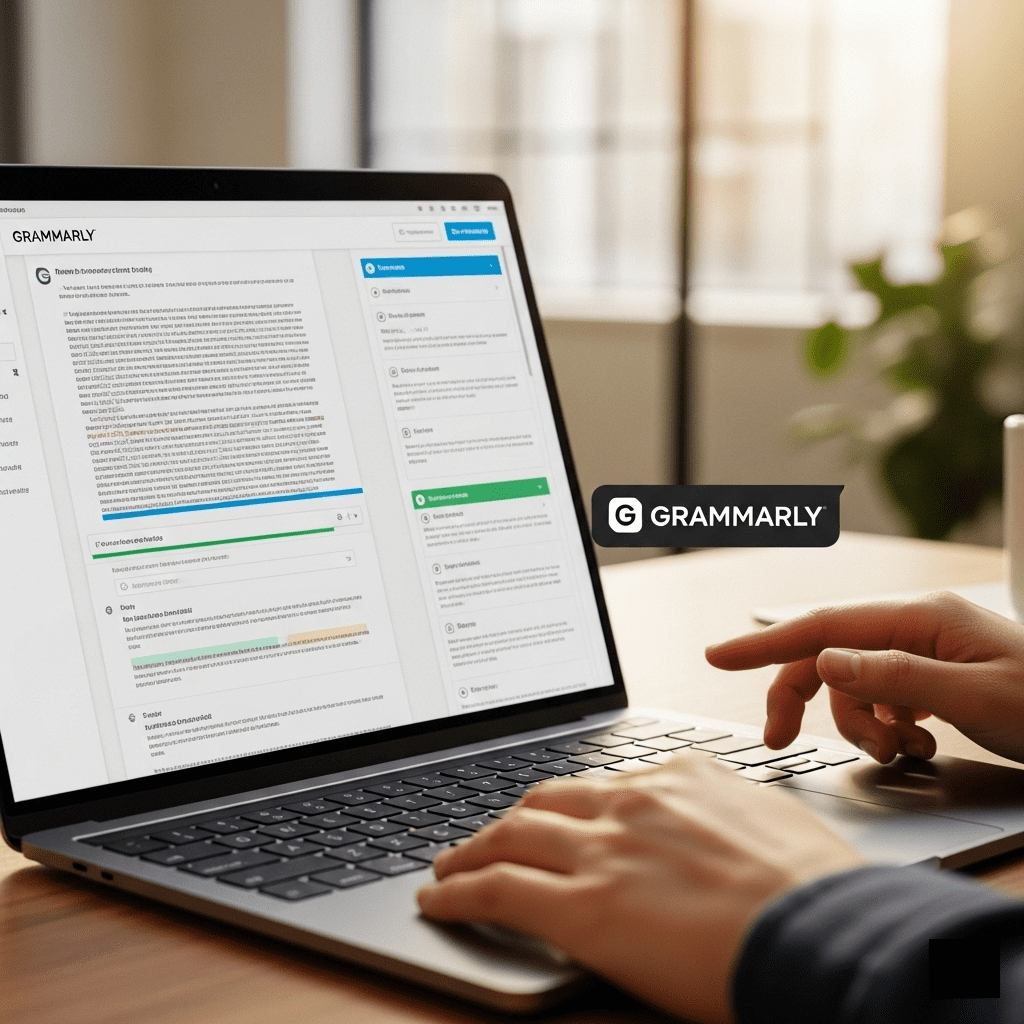
In the modern digital age, clear and effective communication is more important than ever. From crafting a professional email to writing a high-ranking blog post, our words are a direct reflection of our credibility and brand. However, even the most skilled writers can struggle with grammar, punctuation, and finding the right tone. This is where a powerful tool like Grammarly comes in.
Grammarly is a cutting-edge AI writing assistant that goes far beyond a simple spell checker. It is an intelligent platform designed to help you write with clarity, confidence, and consistency. Using advanced artificial intelligence, it provides real-time suggestions to improve your grammar, style, and tone, making your writing more impactful. This comprehensive guide will take a deep dive into what Grammarly is, how its AI technology works, its core features, and how it can help you become a better writer.
What Is Grammarly and How Does Its AI Work?
Grammarly is a versatile writing tool that uses sophisticated AI to analyze text and provide suggestions for improvement. At its core, Grammarly is powered by a proprietary machine learning model that has been trained on a massive and diverse dataset of text from across the internet. This training allows the AI to understand the nuances of language, context, and style, enabling it to provide highly accurate and relevant recommendations.
The technology behind Grammarly can be broken down into a few key components:
1. Advanced Natural Language Processing (NLP)
When you type or paste text into Grammarly, its NLP engine immediately goes to work. It scans your text for grammatical errors, spelling mistakes, and punctuation issues. But it doesn’t stop there. It also analyzes the overall structure of your writing, identifying overly complex sentences, passive voice, and wordiness. This deep analysis allows it to provide suggestions that not only correct errors but also improve the readability and flow of your content.
2. AI-Powered Tone and Style Detection
One of Grammarly’s most powerful features is its ability to detect the tone of your writing. The AI analyzes your word choice, punctuation, and sentence structure to determine if your writing is formal, friendly, confident, or persuasive. It then provides suggestions to help you adjust the tone to align with your intended audience and purpose. For example, if you are writing a business email, Grammarly can suggest ways to make your tone more professional and direct.
3. Vocabulary Enhancement
Grammarly’s AI is constantly working to help you improve your vocabulary. It identifies overused or generic words and suggests more precise and impactful alternatives. This helps you avoid repetition and adds variety to your writing, making it more engaging and sophisticated. The suggestions are context-aware, ensuring that the new words fit naturally into your sentences.
4. Generative AI with GrammarlyGO
In a significant update, Grammarly has introduced GrammarlyGO, a powerful generative AI assistant. It goes beyond simple editing by helping you with the entire writing process. With GrammarlyGO, you can:
- Generate First Drafts: Get a quick start on an email, blog post, or report.
- Rewrite Entire Texts: Instantly rephrase a paragraph to make it sound more professional or concise.
- Brainstorm Ideas: Get creative ideas for headlines, outlines, and content topics.
- Adjust Tone: Transform the tone of a piece of writing with a single command.
This feature turns Grammarly from a simple writing assistant into a complete content creation partner.
Grammarly’s Practical Use Cases
Grammarly is a versatile tool used by a wide range of individuals and businesses.
For Students and Academics
For students, Grammarly is an invaluable tool for academic writing. It helps with grammar, spelling, and punctuation, but its real power lies in its plagiarism checker. This feature scans your text against billions of web pages and academic papers, helping you ensure your work is original and properly cited. It also helps improve the overall clarity and conciseness of academic papers and essays.
For Business Professionals
In the corporate world, clear and professional communication is key. Professionals use Grammarly to polish business emails, reports, and presentations. The tone detection feature is particularly useful, as it ensures that their communication lands as intended. The Business and Enterprise plans also offer custom style guides, which help teams maintain a consistent brand voice across all internal and external communications.
For Content Marketers and Bloggers
Content marketers and bloggers use Grammarly to ensure their content is polished and optimized for search engines. It helps them create engaging, error-free blog posts, social media updates, and email newsletters. By ensuring content is easy to read and free of errors, Grammarly helps improve user engagement and dwell time, which are positive signals for SEO.
For Teams and Enterprises
Grammarly for Business is a complete solution for organizations. It offers features like centralized billing, team management tools, and analytics dashboards to help managers track team writing improvements. The brand tones and style guides ensure that every employee, from marketing to customer support, communicates with a consistent voice.
SEO Benefits of Using Grammarly to Optimize Content

Grammarly is not just for correcting mistakes; it is a powerful tool for improving your website’s search engine rankings.
1. Improved Readability and User Engagement
Google’s algorithms prioritize content that is easy to read and understand. By helping you eliminate complex sentences, wordiness, and grammatical errors, Grammarly directly contributes to a better user experience. This leads to increased dwell time and a lower bounce rate, which are crucial factors for SEO.
2. Content Consistency and Authority
Maintaining a consistent brand voice across all your content builds authority and trust with your audience. Grammarly’s custom style guides and brand tone features help ensure that your content is always on-brand. A consistent brand voice helps Google understand your site’s identity and can positively impact your ranking.
3. Plagiarism Detection
Originality is a cornerstone of SEO. The Grammarly plagiarism checker scans your text against billions of sources, ensuring your content is unique and free from unintentional plagiarism. Publishing original content is essential for avoiding penalties and building a strong online reputation.
4. Optimized Metadata
GrammarlyGO can assist you in creating SEO-friendly titles and meta descriptions that are concise and include your target keywords. This helps you get a better click-through rate from search results, which is a major ranking signal.
Grammarly Pricing and Plans
Grammarly offers a range of flexible plans to suit every need, from individual users to large enterprises.
1. Free Plan
The free version provides essential writing assistance, including basic grammar, spelling, and punctuation checks. It also includes the tone detector and a limited number of GrammarlyGO prompts per month. It’s a great option for casual users who need basic proofreading.
2. Pro Plan (formerly Premium)
The Pro plan is designed for professionals and small teams. It unlocks advanced features, including full-sentence rewrites, tone suggestions, a plagiarism checker, and a higher number of GrammarlyGO prompts. Pricing is available on a monthly, quarterly, or annual basis, with significant discounts for longer subscriptions.
3. Business and Enterprise Plans
These plans are for teams and large organizations. They include all Pro features, plus administrative controls, team management tools, brand style guides, and dedicated support. Enterprise customers also get unlimited generative AI prompts and robust security features.
Limitations to Keep in Mind
While Grammarly is an indispensable tool, it does have a few limitations:
- Subscription Cost: While the free version is great, the Pro plan and business plans can be expensive for some users.
- Not a Substitute for Human Insight: The AI is a tool, not a replacement for human judgment. For creative writing or highly specialized content, human review is still essential.
- Overly Prescriptive: Sometimes, Grammarly’s suggestions can be too rigid and may not fit a specific writing style. It is important to use your own discretion and accept or reject suggestions as needed.
Final Thoughts
Grammarly has evolved from a simple grammar checker into a powerful AI writing assistant that supports the entire content creation process. Whether you are a student, a professional, or a blogger, it offers a unique and intuitive solution to your writing challenges. By providing real-time feedback and intelligent suggestions, it helps you write with more clarity and confidence.
In an increasingly competitive digital world, mastering communication is key, and Grammarly is a tool that can help you do just that. It’s an investment in your skills and a powerful partner in your journey to become a better writer.