
Introduction
In the modern digital world, we spend countless hours working with documents, emails, presentations, and data. While technology has made many tasks easier, managing all this information and generating new content can still be time-consuming and challenging. What if you had an intelligent assistant that could help you write reports, summarize emails, create stunning presentations, and even brainstorm ideas, all within the tools you use every day? This is no longer a futuristic dream; it is the reality brought to life by Microsoft Copilot.
Microsoft Copilot is an AI-powered assistant that integrates directly into Microsoft 365 apps like Word, Excel, PowerPoint, Outlook, and Teams. It’s designed to supercharge your productivity by combining the power of large language models (LLMs) with your existing data and workflows. Copilot is more than just a chatbot; it’s a “copilot” that works alongside you, helping you to achieve more with less effort. This comprehensive guide will explore everything you need to know about Microsoft Copilot, from its core features and benefits to how it is transforming the way we work. We will explain how Copilot works in simple, easy-to-understand language, showing how this incredible tool can empower individuals and organizations alike.
1. What is Microsoft Copilot? Your AI Productivity Booster

At its core, Microsoft Copilot is an artificial intelligence assistant that seamlessly integrates with the Microsoft 365 suite. It’s designed to enhance your creativity, productivity, and skills across all your favorite applications.
The Brain Behind Copilot: LLMs + Microsoft Graph
Copilot isn’t just one AI model; it’s a sophisticated system that combines several powerful components:
- Large Language Models (LLMs): Like GPT-4 from OpenAI, these models are trained on vast amounts of text data, allowing them to understand and generate human-like text, answer questions, and summarize information.
- Microsoft Graph: This is the real differentiator. Microsoft Graph is a powerful service that connects all your data within Microsoft 365 – your emails, meetings, chats, documents, and calendar. Copilot can access this information (only what you have permission to see) to provide personalized and relevant assistance.
- Microsoft 365 Apps: Copilot is embedded directly into apps like Word, Excel, PowerPoint, Outlook, and Teams, making it context-aware and ready to assist you exactly where you need it.
This combination allows Copilot to provide much more than generic answers; it gives you intelligent assistance based on your specific work and data.
The Core Philosophy: Working With You, Not For You
The name “Copilot” highlights its role. It’s not an autopilot that takes over your work. Instead, it acts as a co-pilot, a trusted partner that assists you by:
- Drafting and Ideation: Giving you a strong first draft or helping you brainstorm ideas.
- Summarization and Analysis: Quickly digesting large amounts of information.
- Transformation: Converting your ideas into different formats (e.g., meeting notes into a presentation).
You remain in control, guiding Copilot and refining its suggestions to achieve your desired outcome.
2. How Microsoft Copilot Transforms Your Daily Tasks
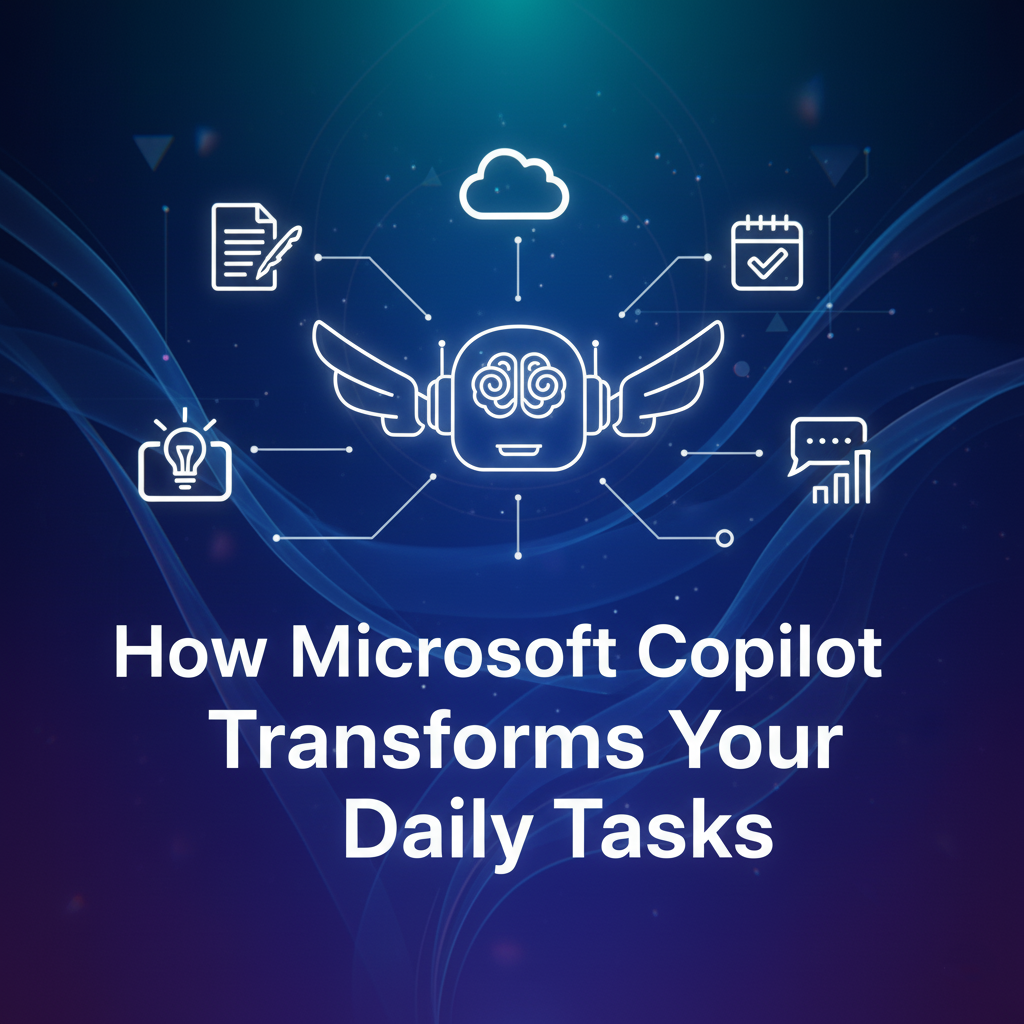
Copilot brings AI power to the applications you use every single day, making you more efficient and creative.
In Microsoft Word: Your Writing Partner
- Drafting Documents: Ask Copilot to draft a report, a proposal, or an email based on a simple prompt or even another document. For example, “Draft a two-page project proposal based on the ideas in this document.”
- Summarizing Text: Quickly summarize long documents or research papers.
- Rewriting and Refining: Ask Copilot to rewrite a paragraph to make it more concise, formal, or engaging.
In Microsoft Excel: Your Data Analyst
- Analyzing Data: Ask questions about your data in natural language, like “Show me the sales trend for Q3 by region.”
- Generating Formulas: Get help writing complex Excel formulas.
- Visualizing Data: Create charts and graphs based on your data and questions.
- Identifying Insights: Copilot can help you spot trends or anomalies in your spreadsheets.
In Microsoft PowerPoint: Your Presentation Designer
- Creating Presentations: Generate entire presentations from a simple text prompt or an outline. For example, “Create a 10-slide presentation about the Q1 sales results, using data from this Excel file.”
- Designing Slides: Get help with layout, images, and text for individual slides.
- Summarizing Content: Turn a long Word document into a concise presentation.
In Microsoft Outlook: Your Email Assistant
- Drafting Emails: Get help writing emails, from quick replies to detailed messages, based on previous conversations or specific instructions.
- Summarizing Email Threads: Quickly understand the gist of long email chains.
- Managing Your Inbox: Suggest action items or help you prioritize emails.
In Microsoft Teams: Your Meeting Facilitator
- Meeting Summaries: Get real-time or post-meeting summaries, highlighting discussion points, decisions, and action items.
- Catch Up on Missed Parts: If you join late, ask Copilot to summarize what you’ve missed.
- Action Item Tracking: Identify and track action items discussed in the meeting.
3. The Technology Behind Copilot: A Unified Approach

Copilot’s intelligence comes from a sophisticated blend of AI and Microsoft’s extensive infrastructure.
The Role of OpenAI’s GPT Models
At the heart of Copilot are powerful LLMs developed by OpenAI, such as GPT-4. Microsoft has a strategic partnership with OpenAI, which allows them to integrate these advanced models into their products. These models are responsible for understanding your natural language prompts and generating human-like text.
Microsoft Graph: Your Personalized Context
This is where Copilot becomes uniquely powerful. The Microsoft Graph provides Copilot with access to your:
- Calendar: To understand your schedule and meeting contexts.
- Emails: To draw on past communications and drafts.
- Documents: To use your existing files as a source of information.
- Chats: To remember conversations from Teams.
All this data is accessed securely and within your organization’s permissions. Copilot doesn’t share your private data outside your organization.
Seamless Integration
Copilot runs on Microsoft’s Azure cloud infrastructure, ensuring high performance, security, and scalability. Its deep integration within the Microsoft 365 apps means it understands the specific features and data within each application, making its suggestions highly relevant and actionable.
4. Security, Privacy, and Responsible AI
Microsoft is committed to responsible AI development, especially with a tool as powerful as Copilot.
- Enterprise-Grade Security: Copilot adheres to Microsoft’s existing security, privacy, and compliance standards. Your data remains within your Microsoft 365 tenant.
- Privacy by Design: Your personal data and organizational information are not used to train the underlying public LLMs. Copilot only uses your data to provide context for your specific requests.
- Responsible AI Principles: Microsoft applies its responsible AI principles, which include fairness, reliability, safety, privacy, and accountability, to the development and deployment of Copilot.
- Human in the Loop: Copilot is designed to be an assistant, not a replacement. Users are always in control and responsible for reviewing and refining the AI-generated content.
These measures ensure that Copilot is not only powerful but also trustworthy and ethical.
5. Frequently Asked Questions (FAQs)
Is Microsoft Copilot included with my Microsoft 365 subscription?
Currently, Microsoft Copilot is an add-on service that requires an additional subscription, typically for Microsoft 365 Business Standard or Enterprise users. Its availability and pricing can vary.
What specific Microsoft 365 apps does Copilot work with?
Copilot integrates with core Microsoft 365 apps including Word, Excel, PowerPoint, Outlook, Teams, and OneNote.
Does Copilot use my private data to train its public AI models?
No. Microsoft has stated that your organizational data and individual prompts are not used to train the underlying large language models. Copilot uses your data only for context to respond to your specific requests.
Can Copilot create content from scratch without any input?
Yes, you can give Copilot a simple text prompt (e.g., “Draft a social media post about our new product launch”), and it will generate content from scratch. However, the best results often come when you provide some initial context or existing documents.
Is Copilot available for individual users or just businesses?
Initially, Copilot was rolled out primarily for enterprise customers. Microsoft is gradually expanding its availability to small businesses and individual users, but this depends on the specific licensing and rollout plans.
Conclusion
In conclusion, Microsoft Copilot represents a monumental leap in personal and organizational productivity. By seamlessly integrating the power of advanced AI with the familiar tools of Microsoft 365, it transforms the way we interact with technology and manage our work. It acts as an intelligent assistant, helping you to draft content, analyze data, design presentations, and manage communications with unprecedented speed and efficiency.
Copilot is more than just a feature; it’s a new way of working. It empowers users to unlock their creativity, overcome tedious tasks, and focus on higher-value work. As AI continues to evolve, Microsoft Copilot stands as a prime example of how intelligent tools can be built responsibly to augment human capabilities, making us all more productive, capable, and prepared for the future of work.