
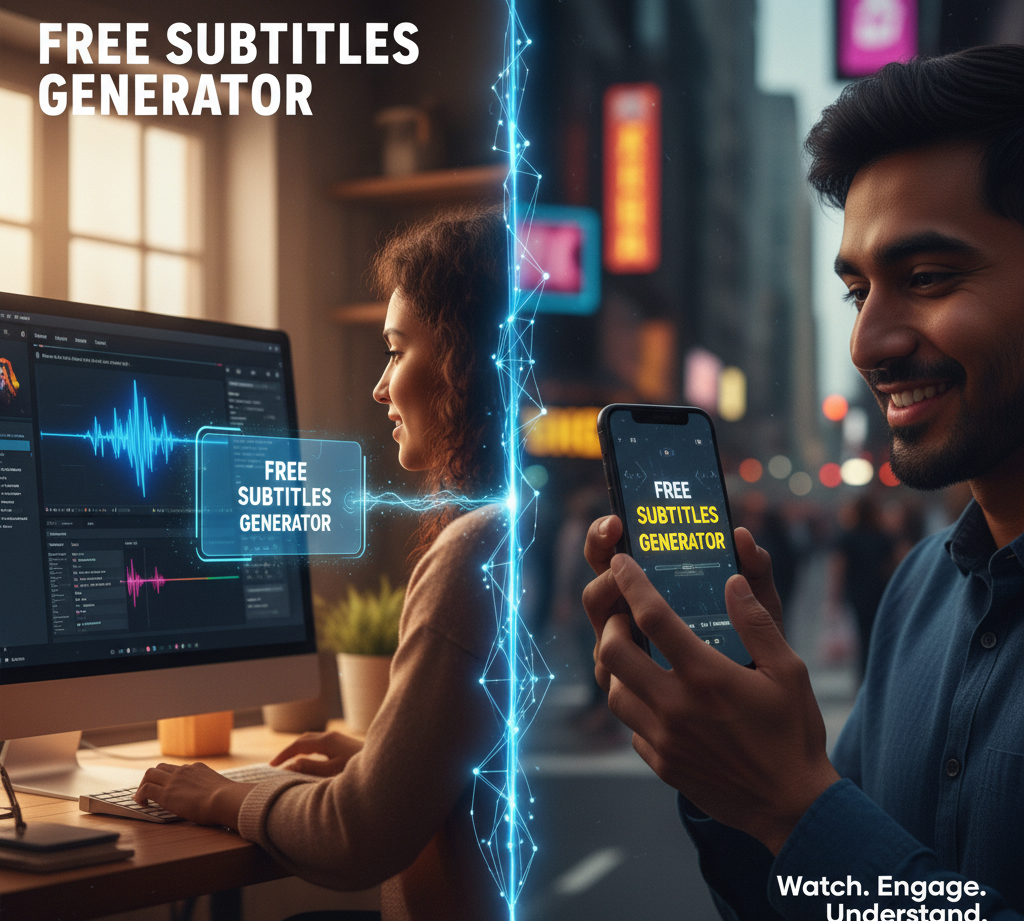
In the dynamic landscape of digital content, video has emerged as the undisputed king. But in this kingdom, sound is no longer the sole ruler. A silent revolution is underway, driven by the habits of modern viewers: scrolling through social media in a quiet office, binge-watching on a crowded commute, or quickly consuming content in a noisy environment. This shift has catapulted a once-overlooked feature into a non-negotiable asset for success: high-quality subtitles.
What began as a crucial tool for accessibility has evolved into a powerful engine for viewer engagement, retention, and search engine visibility. The painstaking process of manually transcribing and syncing dialogue is now a relic of the past, thanks to the advent of Artificial Intelligence. AI-powered subtitle generators have democratized this process, offering speed, accuracy, and incredible convenience, often for free.
This comprehensive guide is your deep dive into the world of free subtitle generators. We will move beyond simple lists to explore the sophisticated AI technology that powers these tools, unpack their multifaceted benefits for creators and businesses, and provide a clear framework for selecting the perfect tool for your needs. Finally, we will compare some of the top free options available today, empowering you to make an informed decision.
The AI Behind the Magic: Demystifying Automatic Speech Recognition
The seemingly magical ability of these tools to convert speech to text in seconds is powered by a branch of artificial intelligence known as Automatic Speech Recognition (ASR). Think of ASR as teaching a computer to not just hear, but to understand and interpret human language.
The process within a modern subtitle generator is a sophisticated, multi-stage operation:
- Audio Extraction: The moment you upload your video file or share a URL, the tool’s first task is to isolate the audio track from the visual data.
- Speech Recognition (The Core AI): This extracted audio is fed into a powerful ASR model. These models, such as the open-source powerhouse OpenAI’s Whisper, have been trained on millions of hours of diverse audio data from across the internet. This extensive training allows them to perform with remarkable accuracy, handling various accents, dialects, technical jargon, and even filtering out moderate background noise.
- Timing and Synchronization (Timestamping): Accuracy isn’t just about the words; it’s about their timing. The AI analyzes the audio waveform to assign precise start and end times (timestamps) to each word or phrase. This ensures the text appears and disappears on screen in perfect sync with the spoken dialogue, a process known as real-time synchronization.
- Formatting and Output: The final step involves packaging the timed text into a usable format. The tool generates a subtitle file (like SRT or VTT) or allows you to “burn” the subtitles directly onto the video. Advanced platforms offer extensive customization, letting you adjust fonts, colors, sizes, and positions to align with your brand identity.
This entire workflow, which could take a human editor hours, is compressed into a matter of minutes—or even seconds—delivering professional-grade results with minimal effort.
Beyond Accessibility: The Multifaceted Power of Subtitles
While ensuring content is accessible to viewers who are deaf or hard of hearing is a fundamental and ethical reason to use subtitles, their strategic value extends much further. They are a secret weapon for any serious content creator.
- Skyrocketing Engagement and Watch Time: The statistic is staggering: up to 85% of videos on Facebook are watched without sound. Similar trends exist on Instagram, Twitter, and TikTok. Subtitles are no longer optional; they are essential for capturing attention in a sound-off environment. By providing text, you give viewers a reason to stay, reducing the likelihood of them scrolling past. This directly leads to higher average watch times, a key metric that platforms’ algorithms reward with broader reach.
- Supercharging Your Video SEO: Search engines like Google cannot “watch” or “listen” to your video content. They rely on textual cues to understand what your video is about. By adding subtitles, you are essentially providing a detailed, keyword-rich transcript. This makes your video dramatically more discoverable. When someone searches for a phrase mentioned in your video, the subtitle file gives search engines the context needed to rank your content higher, both on YouTube and in Google’s video search results.
- Breaking Language Barriers for a Global Audience: Many advanced subtitle generators come with integrated translation features. This means you can generate subtitles in your native language (e.g., English) and then, with a few clicks, translate them into dozens of others (e.g., Spanish, Mandarin, Hindi). This unlocks the potential to reach international audiences without the cost and complexity of re-recording voiceovers, effectively multiplying the ROI of a single piece of content.
- Enhancing Comprehension and Knowledge Retention: For educational content, complex tutorials, detailed product demonstrations, or interviews with heavy accents, subtitles act as a visual reinforcement of the auditory information. This dual-coding of information significantly improves viewer understanding and helps them remember the key points long after they’ve finished watching.
Choosing the Right Tool: Key Features of a Top-Tier Free Subtitle Generator
The market is flooded with options, making the choice overwhelming. To cut through the noise, focus on these essential features when evaluating a free subtitle generator:
- Accuracy Rate (The Non-Negotiable): The primary purpose of the tool is to be correct. Prioritize platforms that are transparent about using state-of-the-art ASR models like OpenAI’s Whisper, which is renowned for its high accuracy across multiple languages and accents.
- No Watermark on Free Plans: Many “free” tools stamp a conspicuous watermark or logo onto your exported video. This can appear unprofessional. Your goal should be to find a generator that offers a truly clean export in its free tier.
- Robust Customization Options: Basic white text at the bottom of the screen is functional, but not always engaging. Look for tools that allow you to customize the font, color, size, background, and position of your subtitles. Some even offer animated styles tailored for platforms like TikTok and Instagram Reels, helping your content feel native to the platform.
- Support for Multiple File Formats: Flexibility is key. The tool should allow you to download the subtitle track as a separate file. The most common and useful formats are:
- SRT (SubRip Subtitle): The universal standard, compatible with YouTube, Vimeo, and most video players.
- VTT (Web Video Text Tracks): The modern standard for web video, offering more advanced features like positioning and styling.
- Intuitive User Interface and Workflow: The technology is complex, but using it shouldn’t be. The best tools feature a clean, simple interface where you can upload a video, generate subtitles, make quick edits, and export the final product in a seamless, intuitive workflow—no technical expertise required.
A Practical, Step-by-Step Guide to Generating Subtitles
The process is designed to be straightforward. Here’s a universal step-by-step guide that applies to most high-quality free generators:
Step 1: Upload Your Video Content
Navigate to your chosen subtitle generator’s website. You will typically have the option to upload a video file directly from your computer or paste a public URL from platforms like YouTube, Vimeo, or TikTok.
Step 2: Initiate Auto-Transcription
Click the “Generate Subtitles,” “Auto-Transcribe,” or similar button. The AI will then process the audio. For a short video (under 5 minutes), this often takes less than a minute. Longer videos will require more processing time.
Step 3: The Crucial Review and Edit Phase
Once the transcription is complete, you will be directed to an editor interface. This is the most critical step for quality control. While AI accuracy is impressive, it’s not infallible. It may stumble on homophones (e.g., “their” vs. “there”), proper nouns, or technical terms. Carefully read through the transcript, correcting any errors and ensuring punctuation is correct for easy reading.
Step 4: Customize the Visual Style
Now, personalize the appearance of your subtitles. Use the customization panel to select a font that matches your brand’s tone, choose a color that provides contrast against your video background, and adjust the size for optimal readability. This is where you can make your subtitles an integral part of your video’s design.
Step 5: Export and Implement
Finally, choose your export method. You can usually either:
- Burn the subtitles directly into the video file, creating a new MP4 file where the text is permanently part of the image. This is ideal for social media platforms.
- Download the subtitle file (SRT/VTT) separately. This is the preferred method for uploading to YouTube or Vimeo, as it allows viewers to turn the captions on or off.
Comparison of Top Free Subtitle Generators in 2024
Here’s a look at some of the best free tools available, highlighting their strengths and limitations.
| Tool Name | Key Strength | Best For | Free Plan Limitation |
|---|---|---|---|
| CapCut | Incredibly user-friendly with strong social media integration and trendy animations. | TikTok, Instagram Reels, and Shorts creators. | Free plan is robust, but some advanced templates may be premium. |
| SubtitleBee | High accuracy powered by advanced AI (like Whisper) and very fast processing. | Content creators and marketers who prioritize speed and accuracy. | Free plan has a monthly minute limit for video exports. |
| Veed.io | All-in-one video editing suite; subtitles are just one feature in a powerful toolkit. | Users who need quick subtitles along with basic editing (cuts, filters, text). | Free plan includes a Veed watermark on exported videos. |
| Happy Scribe | Excellent for transcription and translation, with a focus on professional use cases. | Academics, journalists, and businesses needing accurate transcripts and multi-language support. | Free trial minutes, then pay-per-use or subscription. |
Conclusion: Elevating Your Content in the Silent Era
The free AI subtitle generator is more than just a convenient tool; it is a paradigm shift in content creation. It represents the practical application of artificial intelligence to solve a real-world problem, saving creators countless hours of tedious work and lowering the barrier to producing professional, accessible, and highly discoverable content.
Integrating subtitles is no longer an afterthought—it is a strategic imperative. By adding this simple layer of text, you are not merely making your videos accessible; you are fundamentally enhancing their value, boosting their potential for engagement, and dramatically expanding their reach. In the competitive arena of online video, a powerful, free subtitle generator is not just an advantage; it is an essential key to unlocking your content’s full potential.