
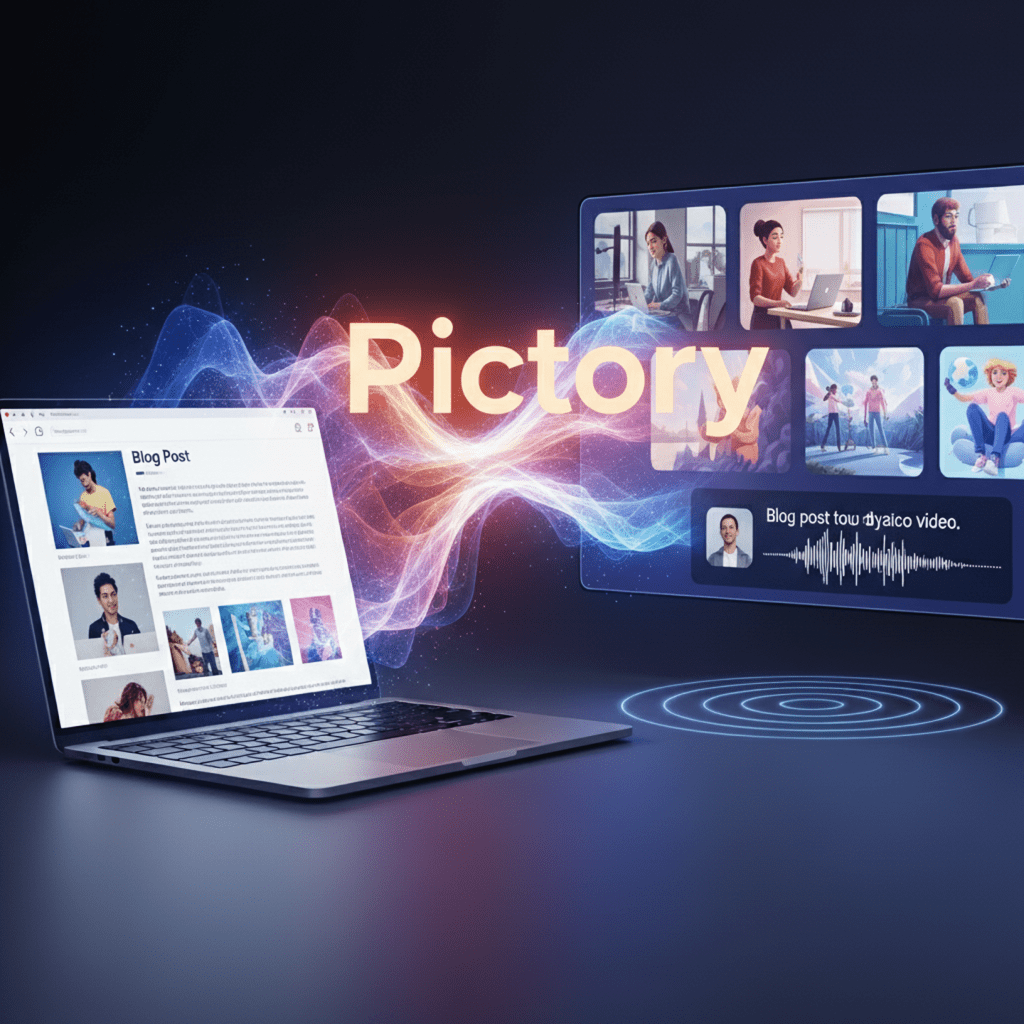
In the world of digital marketing, video content is no longer an option it is an absolute necessity. Businesses, bloggers, and content creators rely on video to capture audience attention, drive traffic, and boost engagement. However, the traditional process of video creation can be a major hurdle. It requires expensive cameras, complex software, and countless hours of editing, scriptwriting, and voiceover work. For many, this has been a frustrating and time-consuming barrier.
Pictory is an AI-powered video editing tool designed to shatter these barriers. It is a revolutionary platform that simplifies and automates the entire video creation process, allowing you to turn long-form text content, such as blog posts or scripts, into professional, engaging short videos in a matter of minutes. In this comprehensive guide, we will dive deep into what Pictory is, how its technology works, its advanced features, real-world applications, and the best practices for leveraging this powerful tool to grow your online presence.
What Is Pictory AI and How Does Its Technology Work?
Pictory is a cloud-based video creation platform that harnesses the power of artificial intelligence to automate video production. Unlike traditional video editors that rely on manual work, Pictory’s core technology is built on a sophisticated AI engine that handles the heavy lifting for you. It functions as a smart, automated assistant that streamlines complex tasks, from selecting visuals to generating voiceovers.
The technology behind Pictory can be broken down into three key components:
1. Natural Language Processing (NLP)
When you provide Pictory with a text script, a blog post URL, or even a long video transcript, its NLP engine goes to work. It analyzes the text to understand the semantic meaning and identifies the most important sentences and keywords. This intelligent analysis allows the AI to grasp the core message of your content, which is the crucial first step in turning your text into a visual story.
2. Computer Vision and AI-Powered Visuals
Once the AI understands your script, it connects to a vast, licensed media library that contains millions of high-quality, royalty-free stock videos and images. Using advanced computer vision, the AI algorithm scans this library to find the most relevant visuals for each sentence or scene in your script. It is designed to match the mood and context of your text, ensuring that the visuals accurately represent your message without you having to manually search for them.
3. Generative AI for Voice and Sound
To bring your video to life, Pictory’s generative AI features take over. It offers a wide selection of realistic, high-quality AI voices that can read your script with natural-sounding intonation. On higher-tier plans, it even includes voices from ElevenLabs, which are known for being incredibly natural and expressive. Additionally, the AI can automatically select and sync background music from a library of thousands of tracks that match the mood of your video.
This integrated approach means that Pictory does not require you to have any technical video editing skills. The AI handles the entire process, from understanding your script to creating a polished video draft in minutes.
A Deep Dive into Pictory Core Features
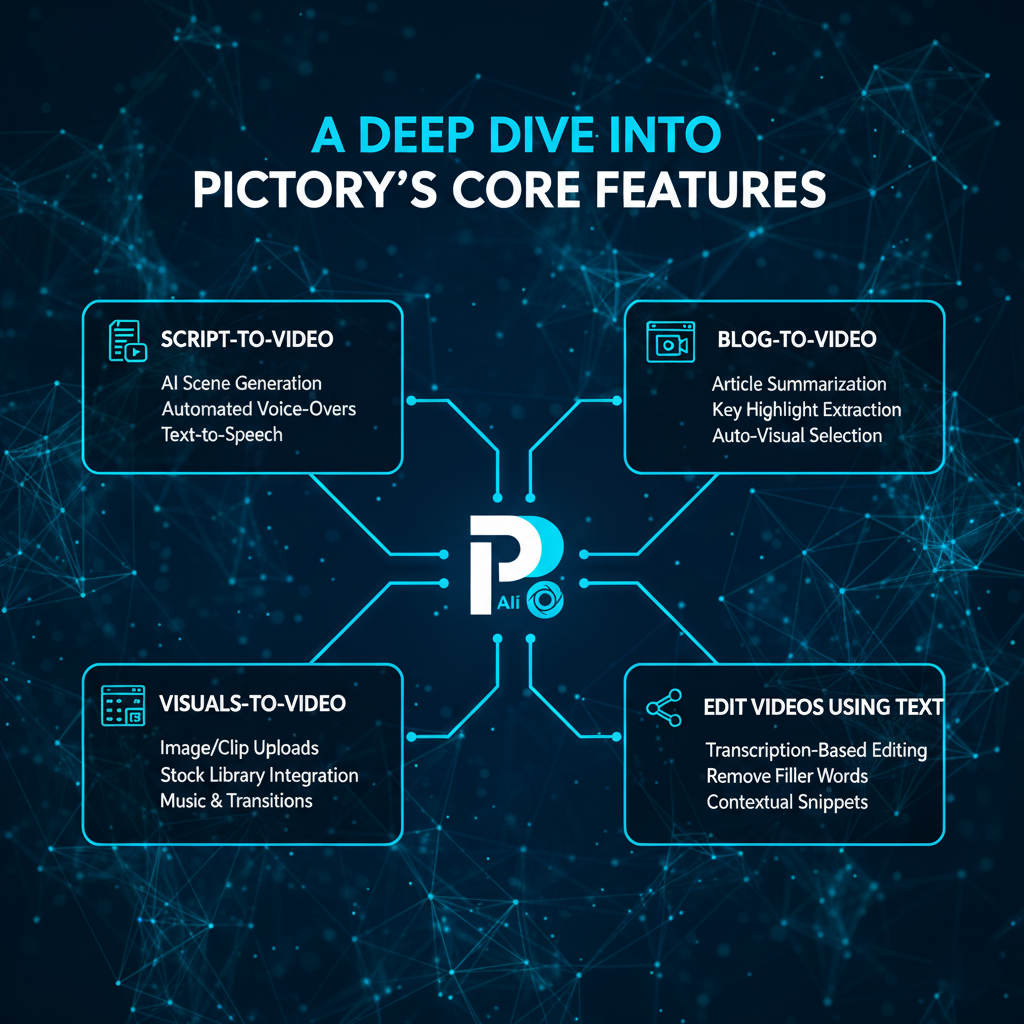
Pictory is more than just a simple text-to-video tool. It offers a suite of powerful features designed to cater to various video creation needs:
Script-to-Video
This is Pictory’s most popular feature. You simply paste your text script, and the AI will automatically create a professional video storyboard. It intelligently breaks down your script into scenes, suggests visuals for each sentence, and adds a voiceover and music. This feature is perfect for creating explainer videos, educational content, and tutorials.
Blog-to-Video
This is a game-changer for content marketers. By simply entering a blog post URL, Pictory’s AI analyzes the article, extracts the key ideas, and generates a condensed video script. It then turns this script into a full video with visuals, making it incredibly easy to repurpose your written content and reach a new audience on platforms like YouTube and social media.
Edit Videos Using Text
This revolutionary feature makes video editing as simple as editing a text document. You can upload an existing video and Pictory will generate a transcript. To trim the video or remove unwanted sections (like filler words, awkward pauses, or long silences), you simply delete the corresponding text from the transcript. The AI automatically edits the video clip to match your text edits, saving you a massive amount of time on manual cutting and trimming.
Visuals-to-Video
This feature allows you to create professional slideshow-style videos from your own images or video clips. You upload your media, add custom text and a voiceover, and the AI automatically brings all the elements together with smooth transitions and background music. This is perfect for creating product showcases, photo montages, or event summaries.
Advanced AI Features for Professionals
Beyond the core tools, Pictory offers several advanced features that cater to professional users:
- Automatic Captions and Subtitles: Pictory can automatically add subtitles to your videos, which is crucial for engagement and accessibility, especially since many viewers watch videos with the sound off.
- Smart Trimming: The AI can intelligently trim videos to focus on the key moments, perfect for creating short, viral clips for social media from long recordings like webinars or podcasts.
- Branding and Customization: You can create and save your own brand kit, including your logo, brand colors, and fonts, to ensure all your videos are consistent and on-brand.
- Auto-Highlight Keywords: The AI can automatically highlight important words in your video, drawing the viewer’s attention to key points.
Practical Use Cases and Real-World Examples
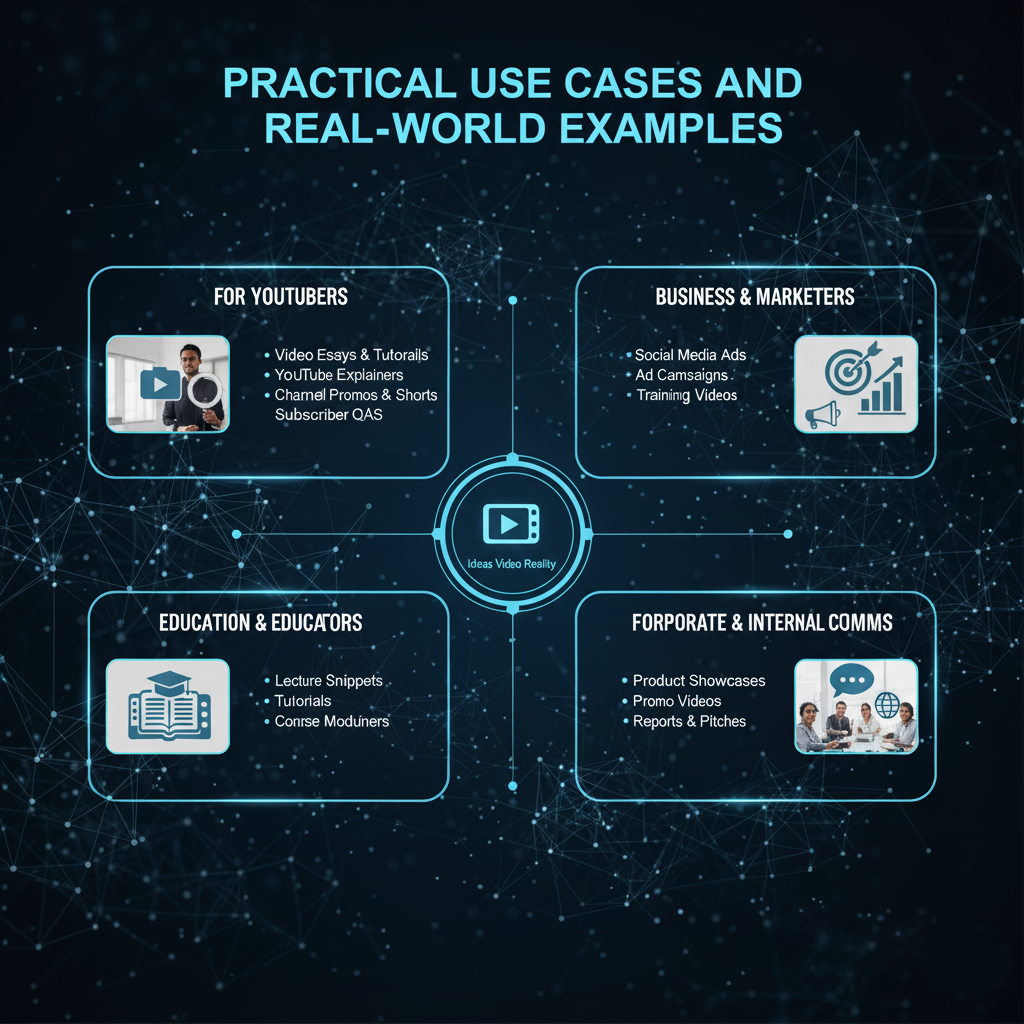
Pictory is a versatile tool used by a wide range of individuals and businesses. Here are some real-world examples of how it’s being used to drive success:
- For YouTubers: A content creator like Saurabh Gopal, an online marketer from New Delhi, uses Pictory to streamline his video creation process. He can create high-quality, “faceless” videos for multiple channels in under an hour, a task that would have taken days with traditional editing software. This has allowed him to reduce his workload by 40% and scale his content output dramatically.
- For Marketers: A business can use Pictory’s Article-to-Video feature to turn a company blog post into a short, engaging video for social media. This not only increases the reach of the content but also boosts audience engagement, leading to higher click-through rates.
- For Educators: A professor can upload their lecture notes or a written guide, and Pictory can turn it into an animated video lesson. This makes learning more dynamic and accessible for students.
- For E-commerce Brands: An online retailer can use the Visuals-to-Video feature to create a polished product showcase from a collection of product images, with a professional voiceover explaining the features.
These examples show that Pictory isn’t just a tool it’s a complete solution for anyone looking to scale their video content strategy.
SEO and Marketing Benefits of Using Pictory
Creating videos with Pictory offers significant advantages beyond just saving time. It can directly impact your search engine optimization (SEO) and overall marketing performance:
- Improved Search Rankings: Google and YouTube both prioritize video content in search results. By embedding a Pictory video into your blog post, you increase the chances of ranking higher and attracting more organic traffic.
- Increased Engagement and Dwell Time: Videos are more engaging than plain text. A well-produced video can keep visitors on your page for longer, which signals to search engines that your content is valuable and relevant.
- Enhanced Social Media Presence: Short, shareable videos created with Pictory are perfect for platforms like TikTok, Instagram Reels, and YouTube Shorts. This helps you build a strong social media presence and drive referral traffic back to your site.
- Accessibility and Captions: Pictory’s automatic captioning feature makes your videos accessible to a wider audience, including those with hearing impairments or those who prefer to watch with the sound off. This is a crucial aspect of modern SEO and user experience.
- Content Repurposing: Pictory allows you to effortlessly repurpose your existing written content into a new, high-value video format. This means you can get more out of the content you’ve already created, which is an extremely efficient way to scale your content marketing efforts.
Pricing and Plans
Pictory offers a range of plans to suit different needs, from individual creators to large teams:
- Free Trial: You can start with a free trial to test the features and create your first few videos without any commitment.
- Standard Plan: This is the entry-level paid plan, perfect for individual creators and small businesses.
- Premium Plan: This plan is designed for professional creators who need more videos and advanced features, such as more realistic AI voices.
- Teams Plan: This plan is ideal for agencies and larger organizations that require team collaboration and higher video production capacity.
The pricing varies depending on whether you choose a monthly or annual subscription, with annual plans offering significant savings.
Tips for a Perfect Pictory Workflow
While Pictory’s AI does most of the work, following these tips will help you get the best possible results:
- Write a Great Script: The quality of your video starts with your script. Write in a clear, conversational tone. Focus on one main idea per sentence to help Pictory’s AI match visuals more accurately.
- Leverage the AI’s Strengths: Don’t be afraid to let the AI do the heavy lifting. Accept the initial visual suggestions and then make small tweaks as needed, rather than starting from scratch.
- Customize Your Brand Kit: Take the time to set up your brand kit with your logo, colors, and fonts. This will ensure all your videos are professional and consistent.
- Use a Human Voiceover (When Possible): While Pictory’s AI voices are good, uploading a human voiceover can add a personal touch and emotion that AI can’t always replicate.
- Optimize Your Video for SEO: When you publish your video, make sure to give it a descriptive title, a keyword-rich description, and relevant tags to help it rank in search.
Final Thoughts
Pictory is a powerful and efficient tool that democratizes video creation. It removes the technical barriers that have long prevented businesses and creators from leveraging the power of video content. By automating time-consuming tasks like editing, finding visuals, and voiceovers, it frees you up to focus on what matters most creating a winning content strategy.
If you are a blogger, marketer, or business owner looking to scale your content, save time, and attract a wider audience, Pictory offers a simple and effective solution. It is not just a tool; it’s an investment in the future of your content.